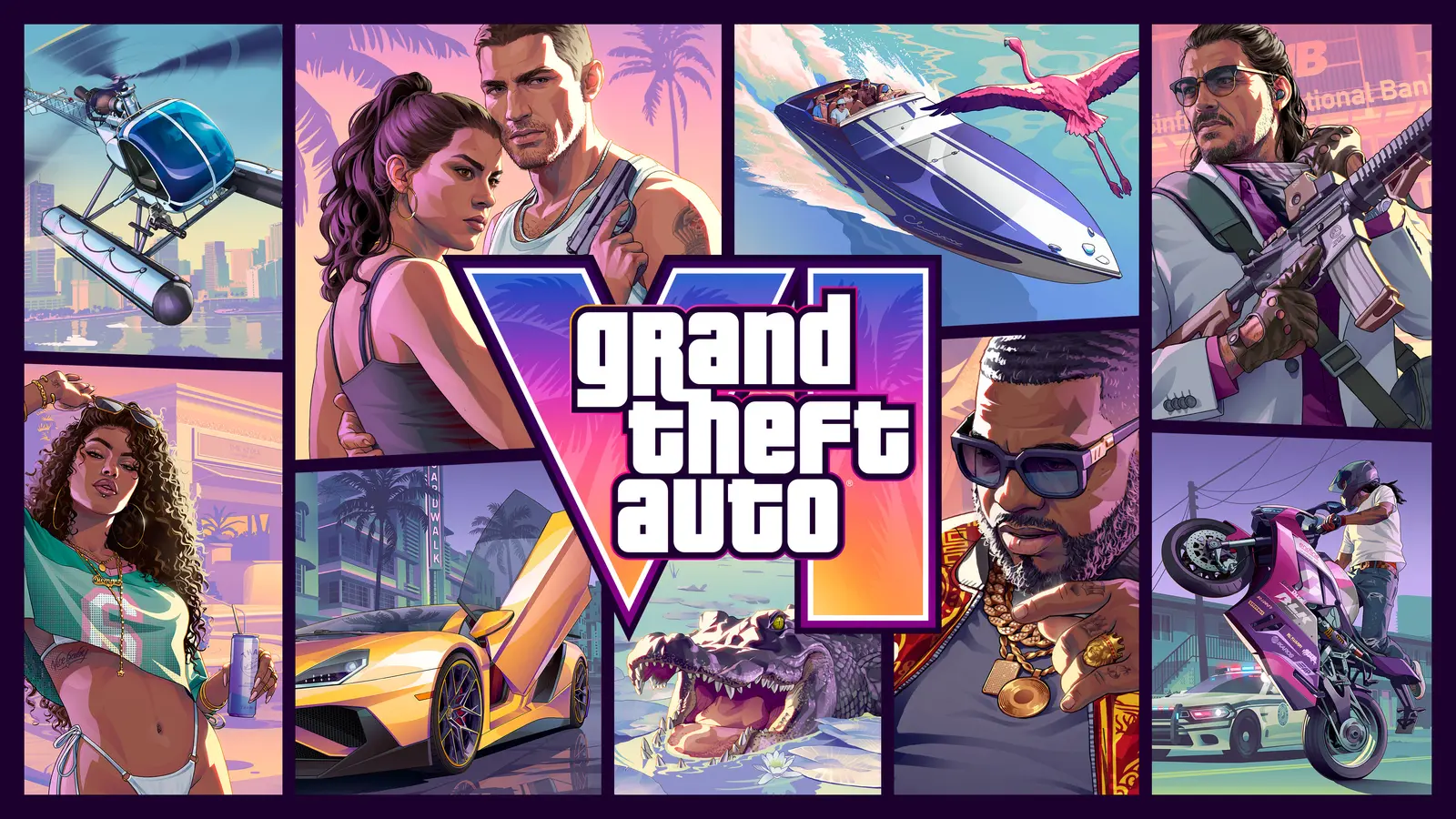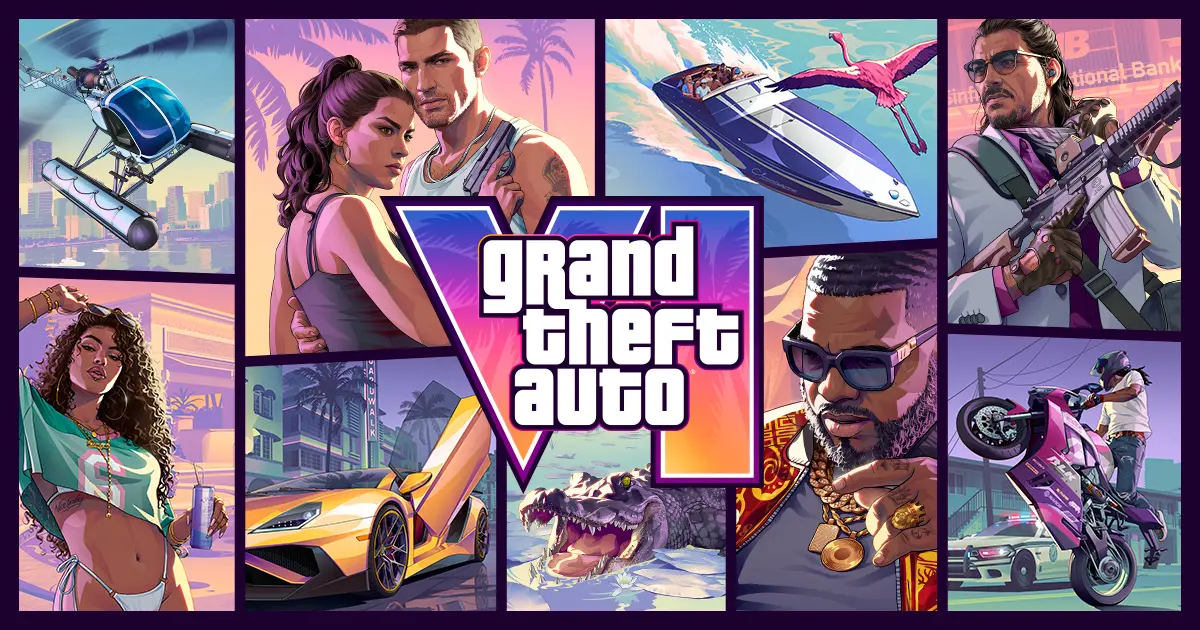
If Grand Theft Auto VI stalls while downloading, refuses to start or seems to be missing bonus content on your PS5, PlayStation’s own support page for the game lists the fixes in a clear order, from pausing the download to rebuilding the console database. The page covers the PS5 version that went on sale on November 19, 2026.
The game comes from Rockstar Games and is sold through the PlayStation Store, while the troubleshooting guide sits on PlayStation’s support site. Below is the sequence in plain words, what each step is for, and where the page says the Vintage Vice City Pack and the Ultimate Edition bonuses actually live.
What should you try first when the download stalls?
Start with the cheapest reset. PlayStation lists these steps in order:
- Open Downloads/Uploads from the control center, pause the download, then resume it.
- If it still fails, choose Cancel and Delete, then reinstall the game from your Game Library.
- Check the PlayStation status page for outages and try again once the service is back.
The order matters. Pausing and resuming costs you nothing and often clears a stuck queue, while deleting and reinstalling means starting the transfer from the beginning. The outage check is worth doing before either, because no console setting fixes a service that is down.
How do system software and storage affect it?
Two checks sit between a stalled download and a deeper fix. According to PlayStation, you should update the system software through Settings > System > System Software > System Software Update and Settings, and make sure there is enough free space.
On space, the page does not print a gigabyte figure. It tells you to read the required space on the right side of the game’s View Product page (Game Library, select the game, then the more menu) and compare it with the free space shown under Settings > Storage. That is the number to trust, because it comes from your own console.
If the download still fails, PlayStation’s last step is Safe Mode. Start the console in Safe Mode, then select Clear Cache and Rebuild Database.
What if the game will not launch?
The page splits launch trouble into two causes. The first is an account that does not own the game. In that case the owning account must enable Console Sharing and Offline Play on the console you are using, through Settings > Users and Accounts > Other > Console Sharing and Offline Play > Enable.
The second is a download that did not finish, which sends you back to the download steps above. If the console says the licence is missing, PlayStation suggests restoring licences from Settings > Users and Accounts > Other > Restore Licenses. You can also open the game, press the Options button and select Restore License.
Where is the bonus content you expected?
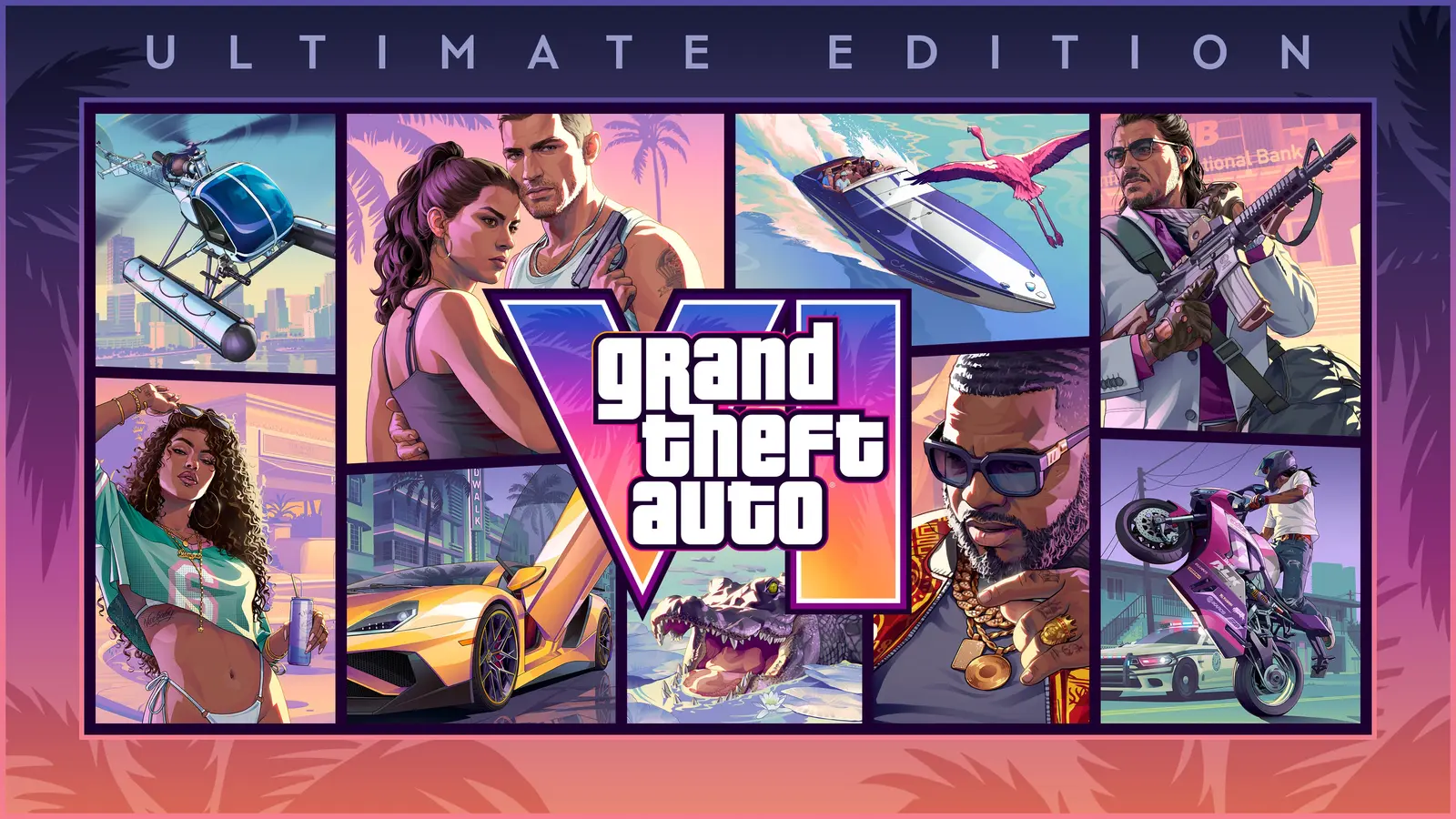
Two kinds of bonus content cause most of the confusion, and the page explains both. Ultimate Edition bonuses are not all there at the start. They unlock throughout Jason and Lucia’s story, with new bonuses in each chapter.
The Vintage Vice City Pack applied to digital purchases made before 11:59:59 PM local time on November 19, 2026. PlayStation says it includes:
- A ’55 Vapid Stanier car, stored in the Shore Court garage at Ocean Beach, with a weapon locker and a place to fence stolen goods.
- Outfits and hairstyles for Jason and Lucia.
- An exclusive tropical weapon pattern for most guns.
The same page notes that preloading began at midnight local time on November 10, 2026, which is why many players had the files before launch day.
What is the game about, briefly?
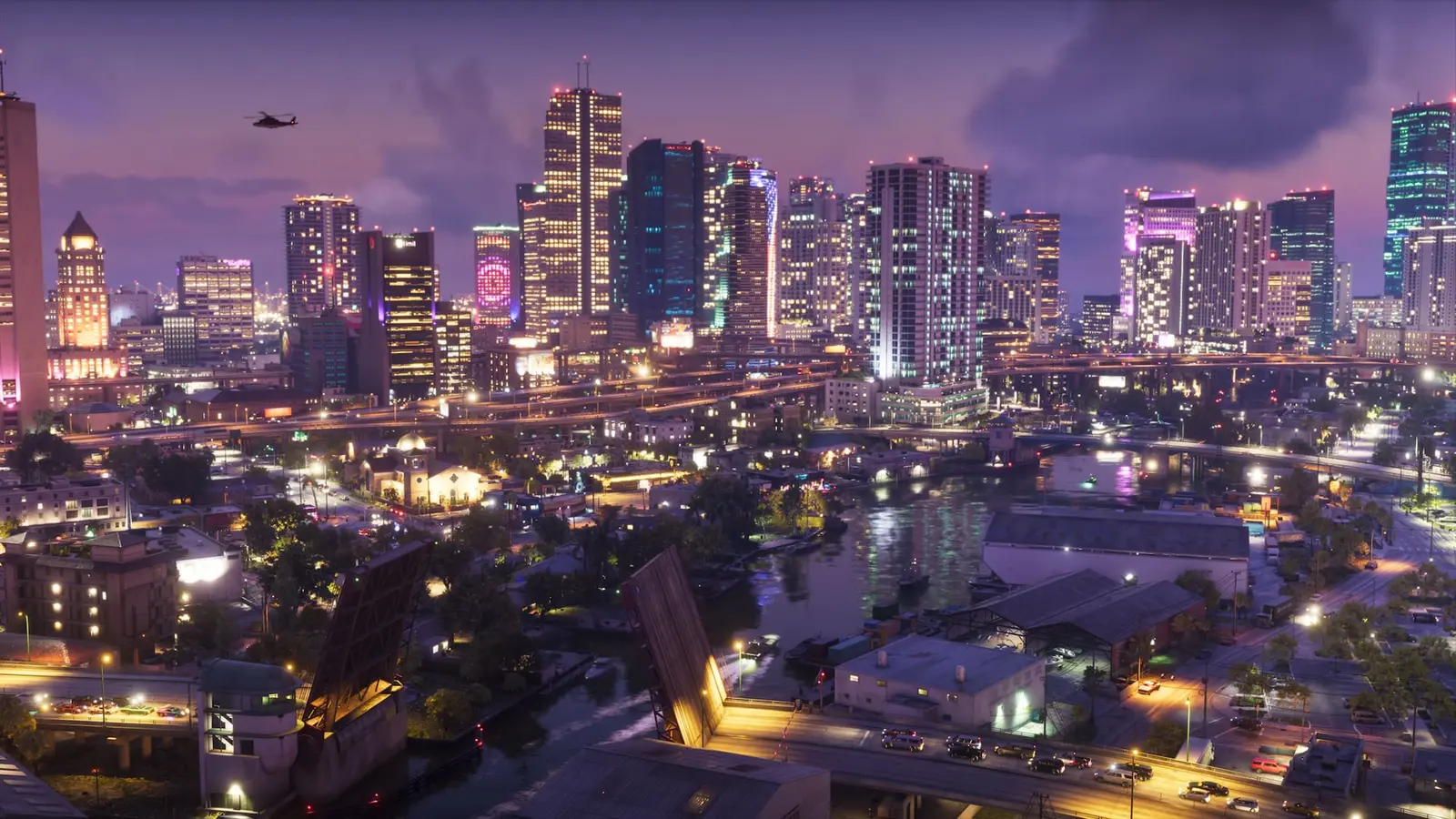
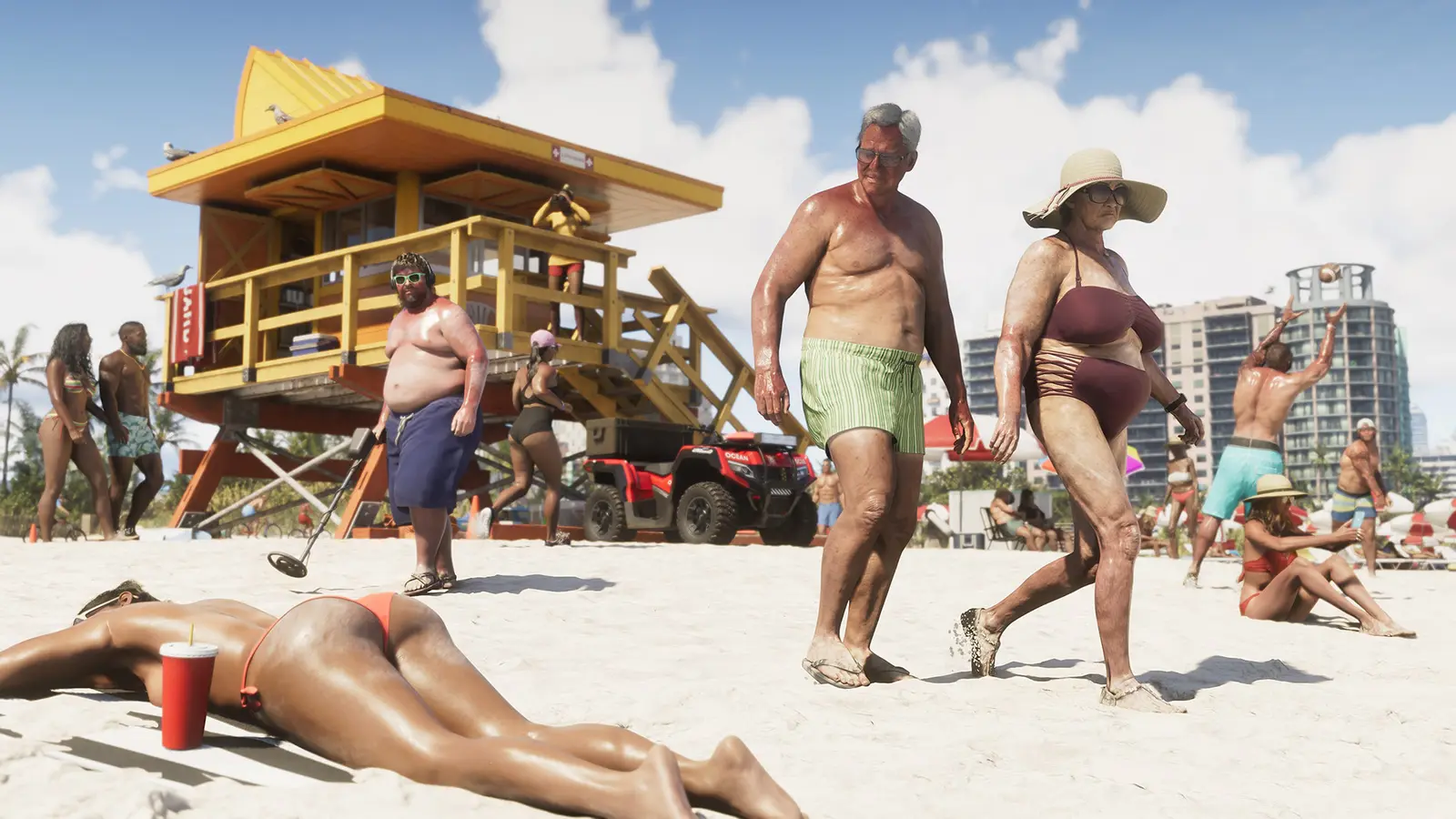
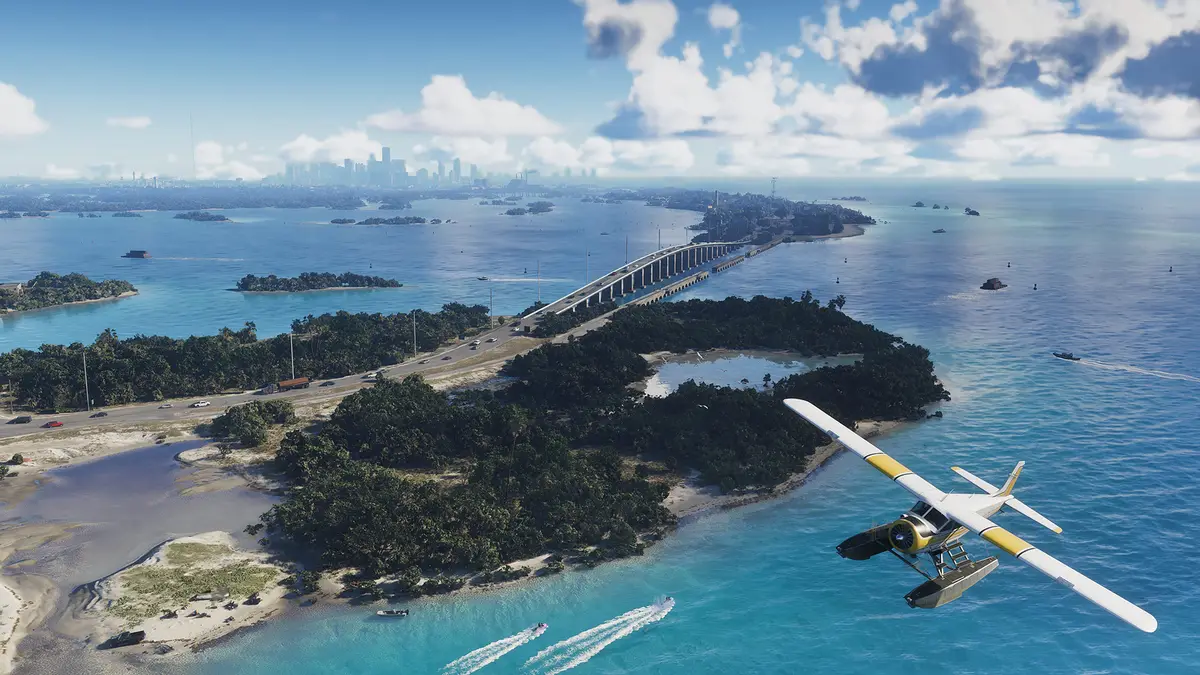
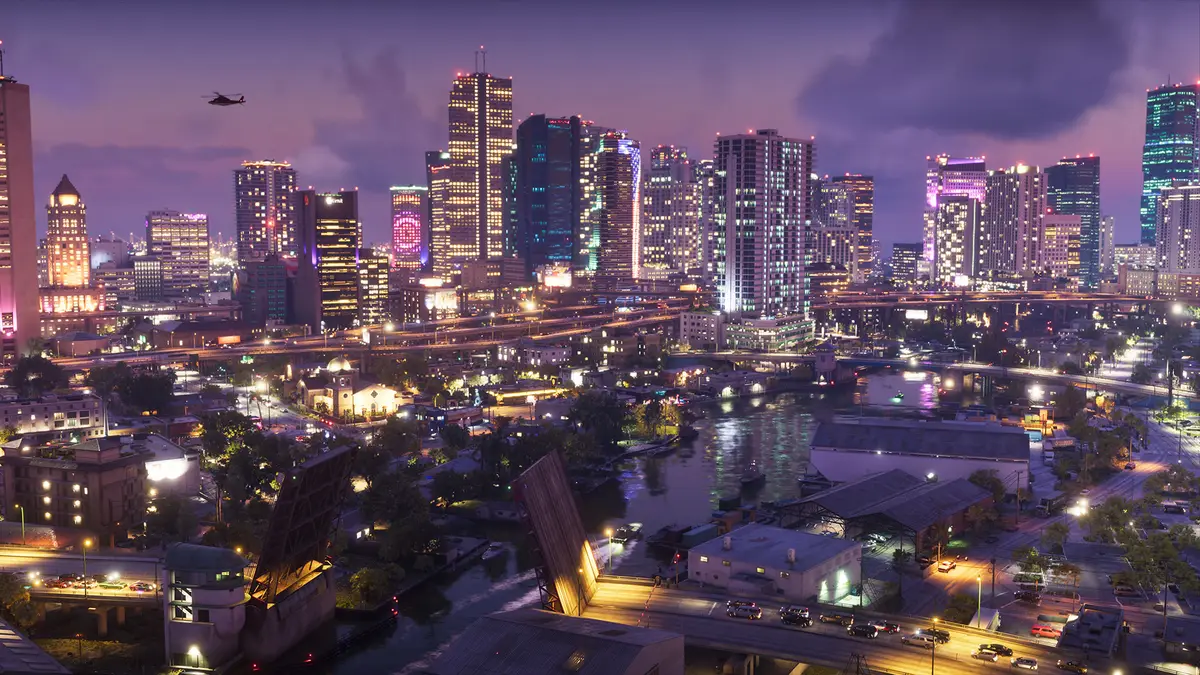
PlayStation Blog describes the setting as the state of Leonida, which includes Vice City and five other regions: the Leonida Keys, Grassrivers, Port Gellhorn, Ambrosia and Mount Kalaga. You play Jason Duval and Lucia Caminos, a pair caught in a criminal conspiracy after an easy score goes wrong. The blog also says the game has the largest in-game radio selection in the series and the first on-demand podcasts.
Prices
Neither the PlayStation support page nor the PlayStation Blog post used here lists a price. Check the game’s listing in the PlayStation Store for your country, which will show the price in your local currency, and use the retailer or store where you bought it for any billing question. The Amazon listings in the box below are boxed copies with a download code, so look at the product page for the current price in your region.
Who it suits
Players stuck on the download. The pause, resume and reinstall sequence is for you. Do it in the order PlayStation gives, and check the status page first if several other online services are also failing.
Families sharing one console. If a second account sees a launch error, the console sharing setting is the likely cause. The account that bought the game has to turn on Console Sharing and Offline Play.
Players who bought early. Check the Vintage Vice City Pack in the Shore Court garage at Ocean Beach, and remember that Ultimate Edition rewards arrive chapter by chapter instead of all at once.
Who should wait. If the console itself seems faulty, these software steps will not help. PlayStation points hardware problems to its PlayStation Repairs page.
What is still unknown?
The support page gives no storage sizes, no system software version numbers and no error codes, so it cannot tell you which specific message you are seeing. For those details, use the PS5 storage and system software support pages that PlayStation links from the guide. Rockstar has also not published anything on that page about future patches.
For your next step, open the Grand Theft Auto VI page on PlayStation’s support site and work through the steps in order before contacting support.