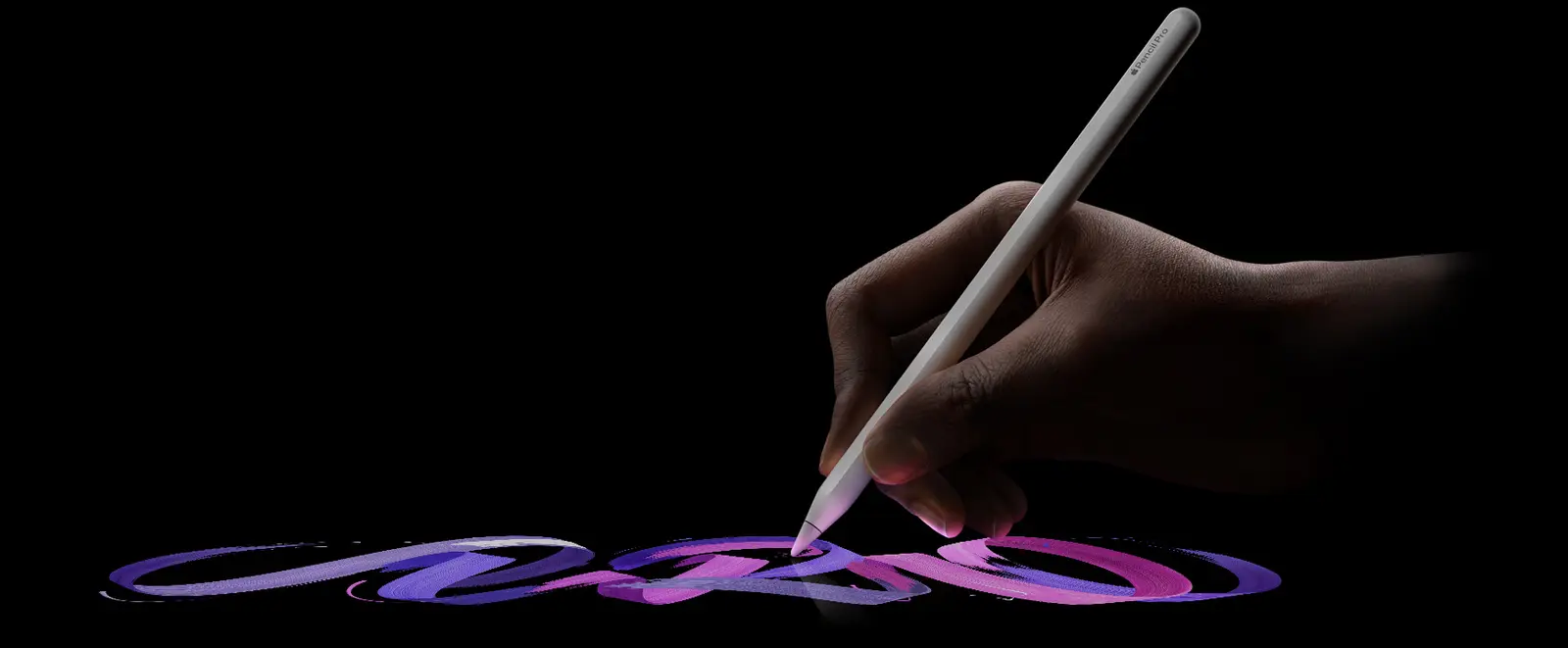
If you sketch, annotate PDFs or take handwritten notes on an iPad, the stylus is the part you touch most, and it is also one of the accessories that often shows up in early Black Friday deal lists. The Apple Pencil Pro is the top model in Apple’s stylus range, so it helps to know what it adds before you pay for it.
The Apple Pencil Pro is Apple’s stylus for newer iPad Pro, iPad Air and iPad mini models. It adds squeeze, barrel roll and haptic feedback to the hover, tilt and pressure features of earlier Pencils, and it pairs and charges by clinging to the side of a compatible iPad.
What does the Apple Pencil Pro add?
- Squeeze: pressing the sides of the Pencil opens a palette for tools, line weights and colors, and developers can set what the gesture does in their apps, according to MacRumors
- Barrel roll: a gyroscope lets you rotate the Pencil to change the orientation of shaped pen and brush tools
- Haptic feedback: a light pulse confirms a squeeze, a double tap or a snap to a Smart Shape
- Find My: you can track a lost Pencil in the Find My app
- Pressure sensitivity, tilt sensitivity, low latency, hover and double tap to change tools
- Free engraving, listed on Apple’s page
In practice, squeeze and double tap mean fewer trips to the on-screen toolbar, and barrel roll matters mostly if you use calligraphy or shaped brushes in drawing apps. If you mainly write notes, those extras will matter less.
Which iPads work with it?
Apple’s page lists these models for the Apple Pencil Pro:
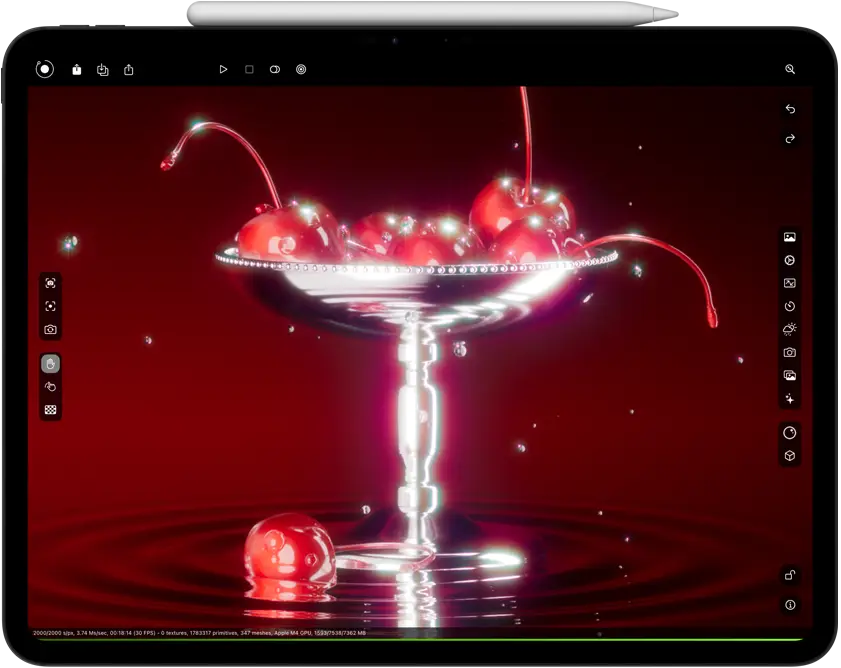
- iPad Pro 13-inch and 11-inch (M4, M5)
- iPad Air 13-inch and 11-inch (M2, M3, M4)
- iPad mini (A17 Pro, A20 Pro)
Older iPads do not appear on that list, so check the name of your iPad against it before buying. Charging is wireless and magnetic: attach the Pencil to the side of the iPad and it pairs and charges in one step.
How does it compare with the Apple Pencil (USB-C)?
The Apple Pencil (USB-C) is the simpler model in Apple’s range, and it works with a wider group of iPads, including older iPad Pro and iPad Air models and the base iPad. Apple’s table shows it lacks pressure sensitivity, double tap to change tools, barrel roll, squeeze, haptic feedback, Find My, wireless charging and free engraving. It does keep hover on supported iPads, plus low latency and tilt sensitivity. It pairs and charges through a USB-C connection rather than magnetically.
Prices
Apple’s regional pages we read, for the United Kingdom and India, link to buy pages but do not show an amount in their text, so we do not quote a price for those countries.
- List price: $129, the figure MacRumors reported at launch and the list price TechRepublic used in a recent roundup
- Deal price: TechRepublic’s early Black Friday list showed the Apple Pencil Pro at $99 on Nov. 3, when it checked, and said prices may change
- Other countries: the sources we read do not give prices for them, and we have not converted the dollar figures
Deals like this come and go, so confirm the price and the country on the live listing before you decide.
Who it suits
Illustrators and designers with a compatible iPad. If you draw daily, squeeze, barrel roll and hover save time and add control. The trade off is that these features need a recent iPad Pro, iPad Air or iPad mini, so they are not a reason to upgrade an iPad on their own.
Students and note takers on a newer iPad Air or iPad mini. Pressure sensitivity, low latency and magnetic charging make handwriting comfortable. If you only write, you may not use squeeze or barrel roll much.
Owners of an older iPad. Skip it. The Apple Pencil Pro does not work with iPads outside Apple’s list, so the Apple Pencil (USB-C) or another Pencil supported by your model is the practical choice.
Shoppers who want the simplest Pencil. The Apple Pencil (USB-C) has no squeeze, barrel roll or haptics. If you will not use those gestures, it may be enough, though our sources give no price for it, so compare the two on a live listing.
What we do not know yet
The sources we read give no battery life figure for the Apple Pencil Pro, and Apple’s pages do not show a price in the regions we checked. We also cannot say whether the $99 price will last through Black Friday or still applies after Nov. 3. Check how each app you use treats squeeze, since Apple leaves the action to developers.
What to do next
Look up your iPad’s model name against Apple’s compatibility list, then check the live price in your country at a retailer you trust. If your iPad is on the list and you draw or annotate often, compare the Apple Pencil Pro against the Apple Pencil (USB-C) before you decide.